Docs › Link-in-bio
Monetize your bio: tips, products & email capture
Add tip buttons, product cards and an email-capture form — then export your leads.
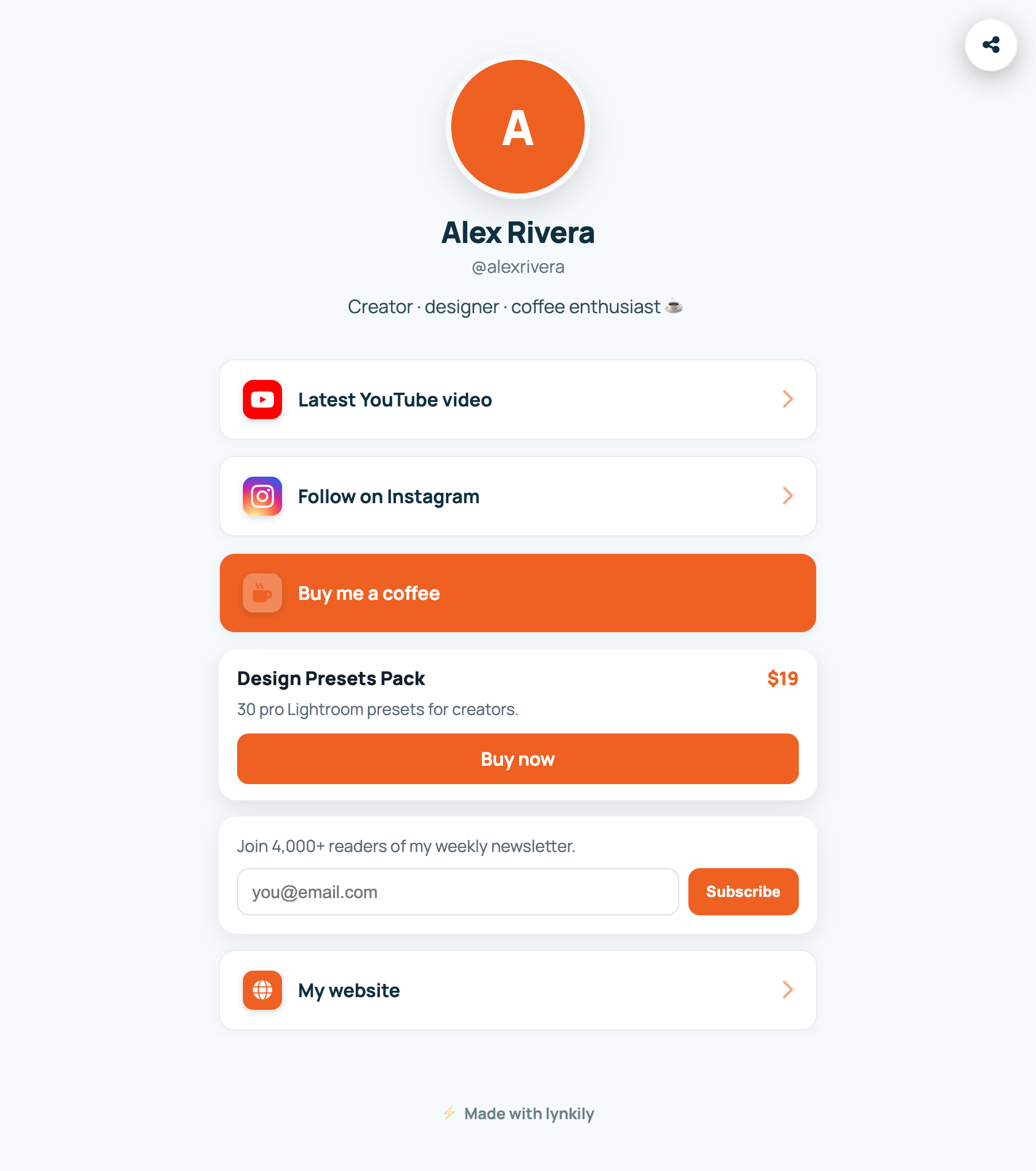
Turn your link-in-bio page into a mini storefront and audience builder. Add monetization blocks alongside your normal links, and collect emails you can export any time.
Step by step
- In the builder, click “Add block” and choose a Block type.
- Tip / support button — set a label and your payment URL (Ko-fi, PayPal, UPI, Stripe link, etc.).
- Product card — add a title, price, description and an image, plus the buy/checkout URL.
- Email capture — set the button text and helper text; visitors submit their email right on the page.
- View captured emails under Pages → Leads, and export them to CSV.
Pro tips
- Monetization blocks are included on every paid plan.
- Schedule a product card to appear only during a launch window.
- Every tip and product click is tracked just like a normal bio link.