Docs › Links
Editable (dynamic) links
Change where a live link points — without changing the short URL or reprinting QR codes.
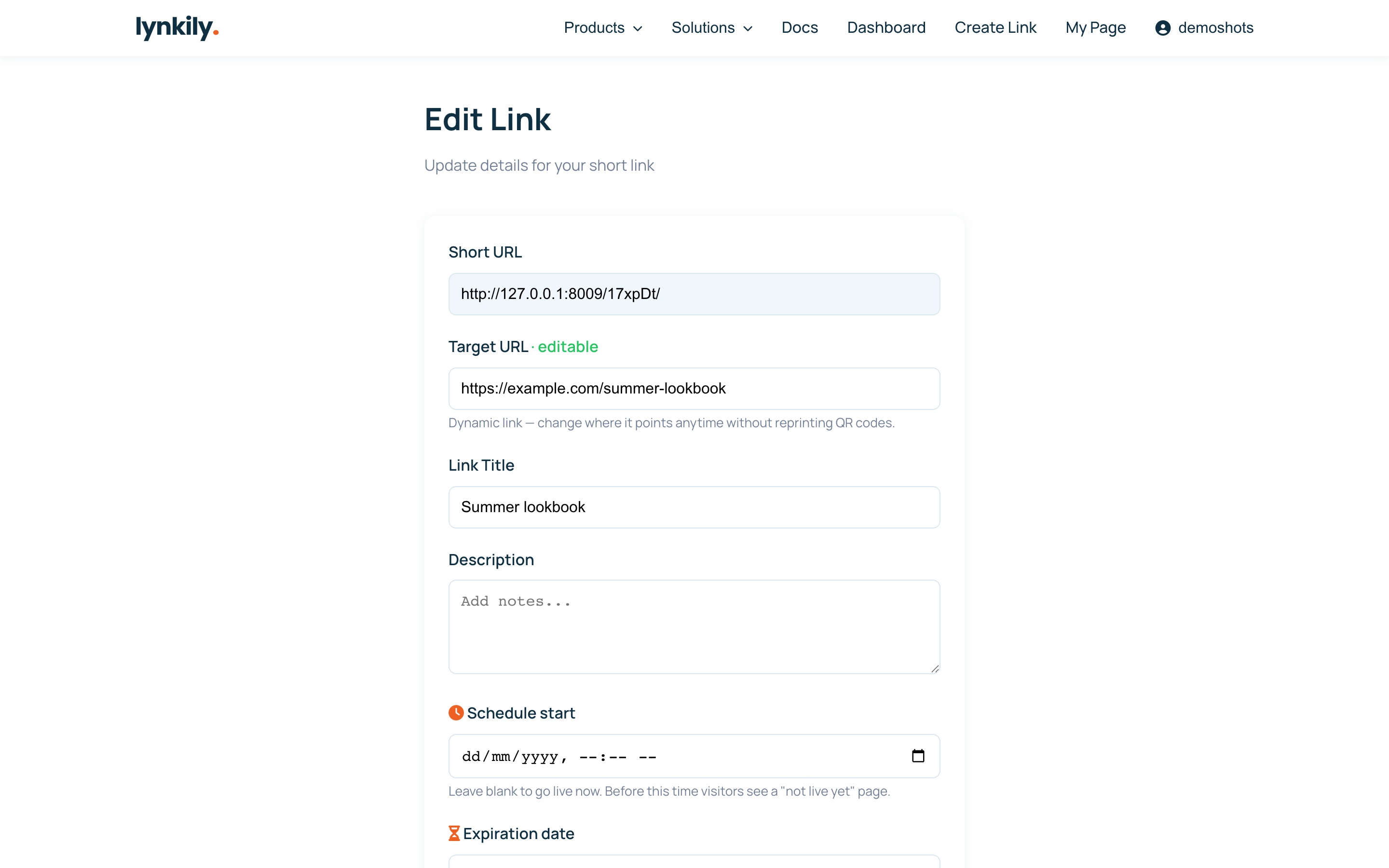
A dynamic link lets you edit the destination after you’ve shared it. Print it on a flyer or put it in a bio, then repoint it whenever you like — the short URL and any QR code stay the same.
Step by step
- Open the link from your dashboard and click Edit.
- Change the Target URL to the new destination.
- Save — anyone who opens the link now goes to the new page.
- The short code, QR code and analytics history are all preserved.
Pro tips
- Perfect for “link in bio”, printed materials and QR codes that need to outlive a single campaign.
- Editing the destination never resets your click stats.