Docs › Links
Mobile deep linking
Send mobile users straight into an app, with a graceful web fallback.
Deep links open a specific screen inside an app — a product, a profile, a checkout — instead of a homepage or app-store page. If the app isn’t installed, the link falls back to the web URL.
Step by step
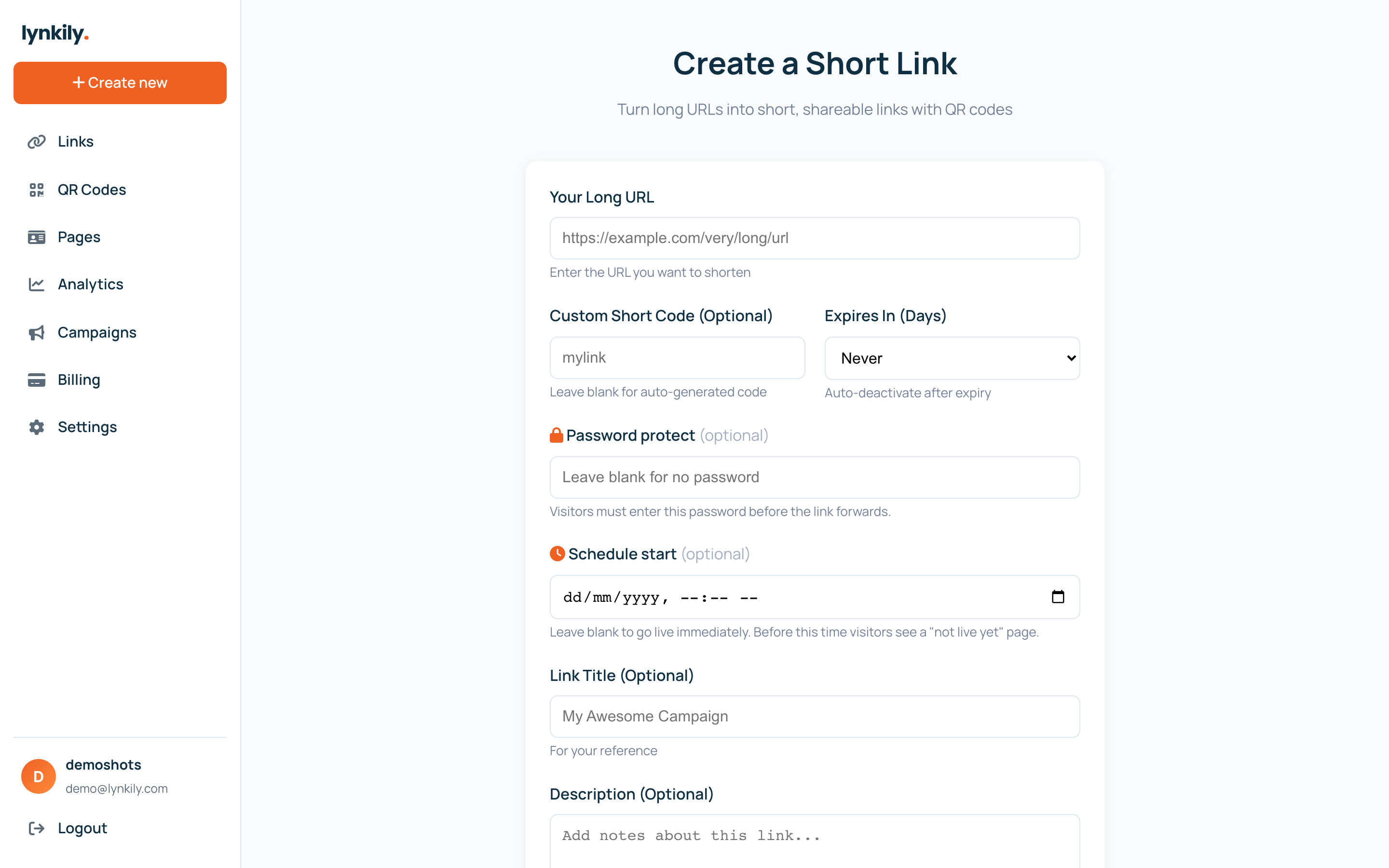
- Create or edit a link and open the deep-linking fields.
- Enter your iOS deep link / universal link and your Android deep link.
- Save. On mobile, matching visitors are sent into the app; everyone else gets the normal web URL.
Pro tips
- Use your app’s universal-link URL for the smoothest iOS experience.
- Always keep the web destination working — it’s the fallback when the app is missing.