Docs › Getting started
Getting started with lynkily
Create your free account and get to know the dashboard in a couple of minutes.
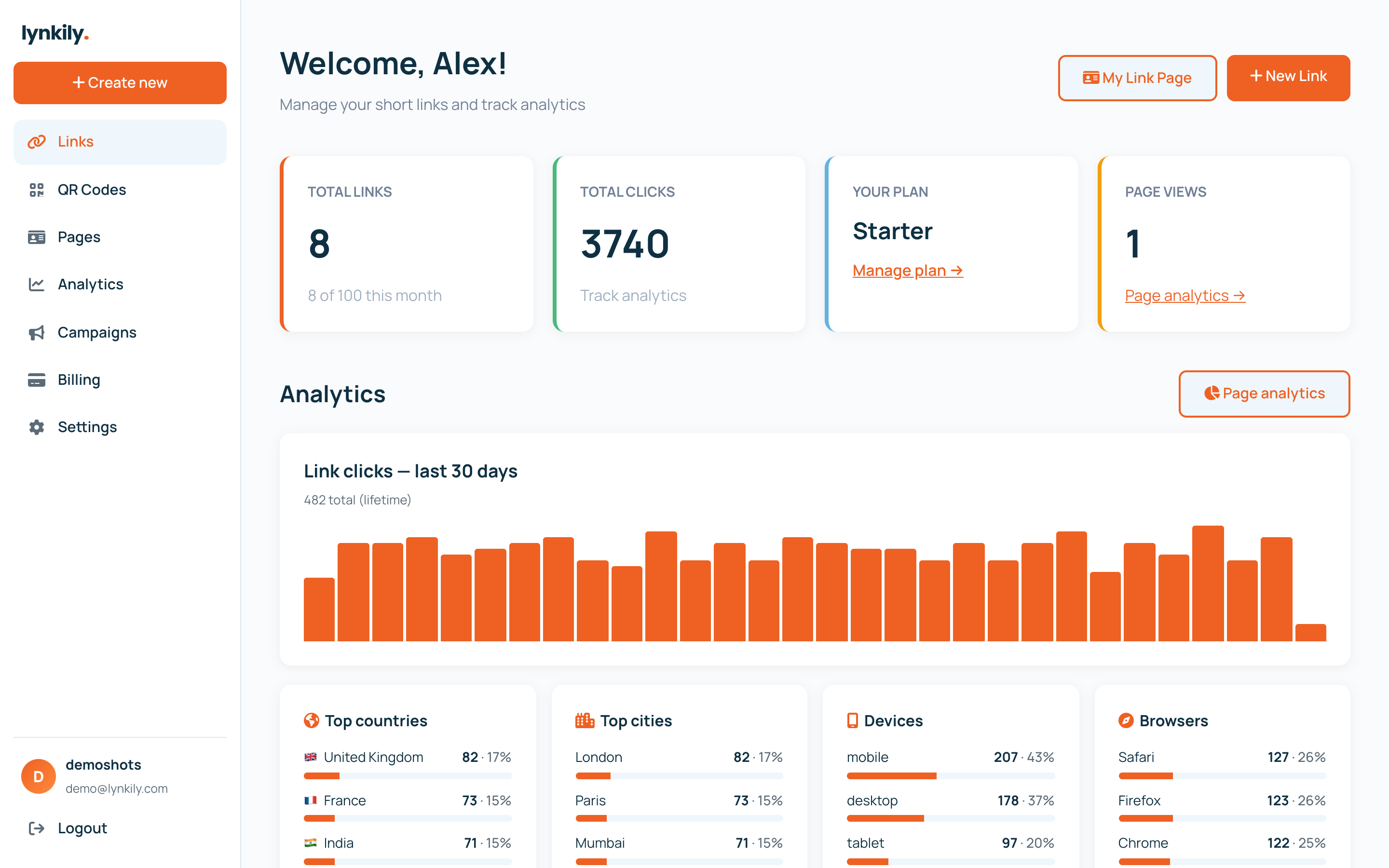
lynkily is an all-in-one platform for short links, QR codes, link-in-bio pages and analytics. You can start free — no credit card — and everything lives in one dashboard. This guide walks you through signing up and finding your way around.
Step by step
- Go to the sign-up page and create an account with your email (or continue with Google).
- You land on the Dashboard — your home for links, quick stats and recent activity.
- Use the left sidebar to move between Links, QR Codes, Pages (link-in-bio), Analytics, Campaigns, Domains and Billing.
- Click “Create” any time to shorten your first link.
- Open Settings to update your profile, and Billing to start a free trial of any paid plan.
Pro tips
- The Free plan includes 50 links/month, QR codes and a link-in-bio page — plenty to explore.
- Every paid plan includes every feature; higher plans just add more volume and longer analytics history.
- You can try any paid plan free for 7 days, no card required.