Docs › Analytics
UTM builder & campaign tracking
Tag links with UTM parameters and group them into campaigns for clean reporting.
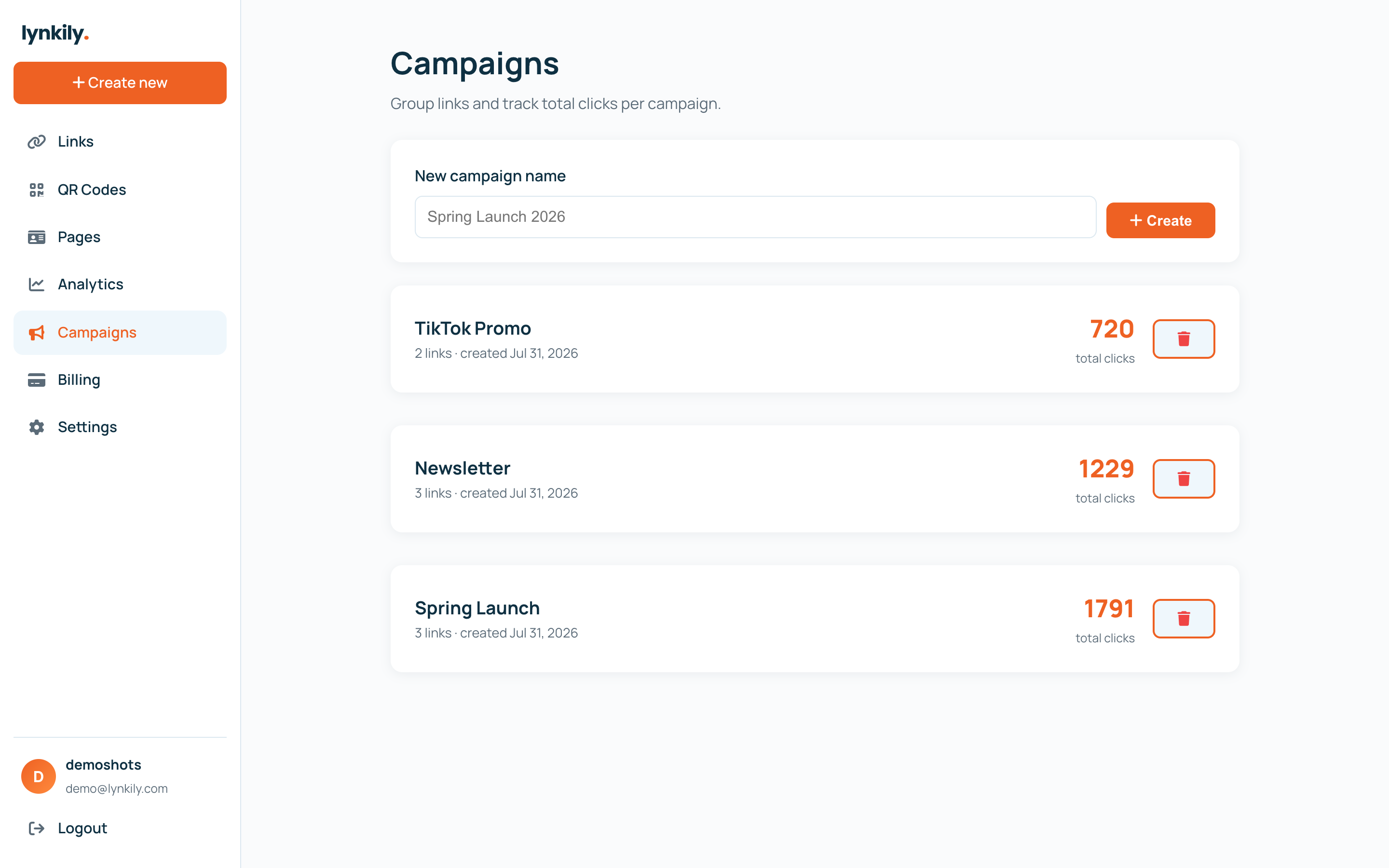
UTMs tell your analytics exactly where traffic came from. lynkily’s built-in builder adds them consistently, and campaigns let you group related links to see total performance.
Step by step
- When creating a link, open the UTM builder and fill in source, medium and campaign (term/content optional).
- lynkily appends the parameters to your destination automatically.
- Create a campaign under Campaigns, then assign links to it.
- Track clicks per campaign to compare channels and posts.
Pro tips
- Keep a consistent naming convention (e.g. source=instagram, medium=social) for clean data.
- The UTM builder and campaign tracking are included on every paid plan.